NG Firewall
Security, Visibility & Control
Comprehensive Security at the Gateway
Proactively stop malware, hacking attempts, phishing schemes and other threats before they reach users’ devices.
Deep Analysis and Insights
Gain insights in real time from database-driven reports without the need for a separate appliance. See the network status at a glance on the dashboard, ensure compliance with full event logs, and get notifications of network anomalies or unusual user behavior with alert rules.
Next-Generation Filtering
Get a handle on every rogue application, encrypted web request, malware distribution point, drive-by malvertising attempt, and rash of spam.
Superior Connectivity & Performance
Meet the challenges of a remote workforce, branch offices and guest Wi-Fi. Keep users and data safe regardless of location or level of access. Balance competing priorities, ensure Quality of Service (QoS) and maximize uptime while saving the organization money.
Centralized Network Orchestration
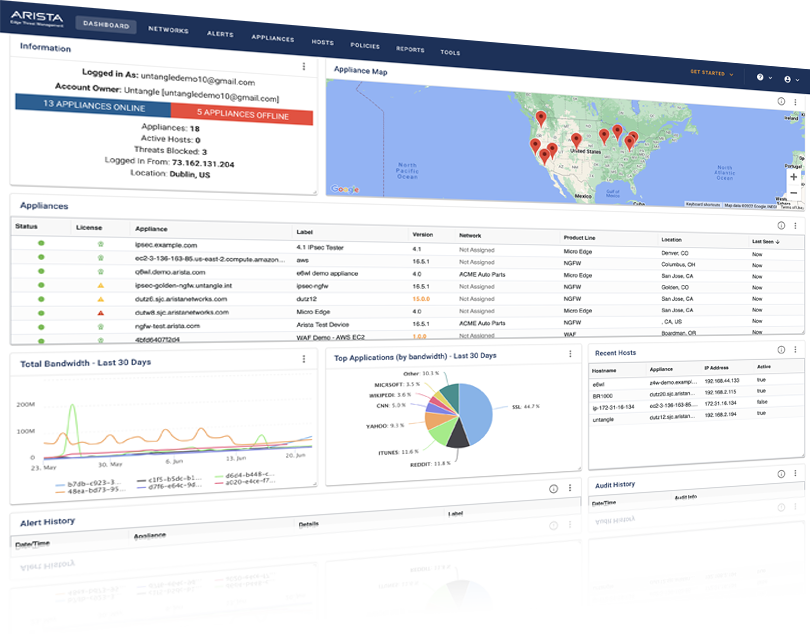
Manage your entire network from a single login. Leveraging ETM Dashboard, you can remotely deploy new hardware appliances, connect appliances automatically, configure and push policy templates, create global alerts, view real-time information about hosts, initiate endpoint security scans and more.
Flexible Deployment Options
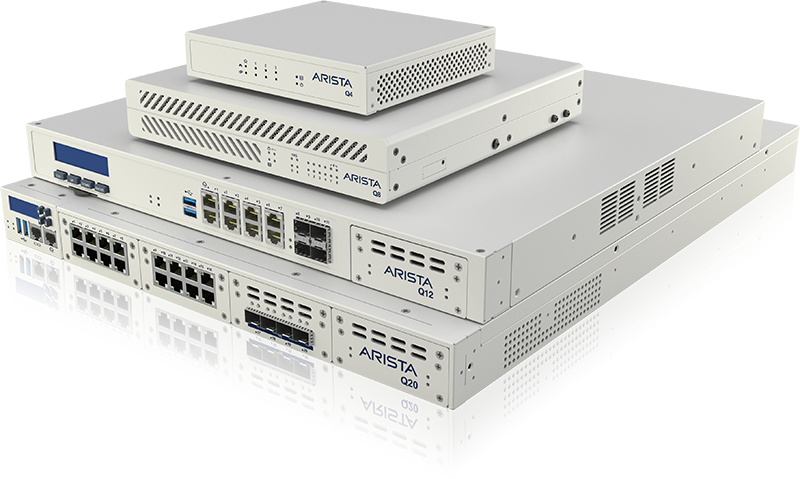
NG Firewall can be deployed in various ways allowing you to choose the best deployment method for your network. Use a dedicated NG Firewall hardware appliance and drop it into your network with zero touch deployment, or use your own hardware that meets the hardware requirements. NG Firewall can also be deployed on a virtual machine, or in the cloud with AWS or Azure.
NG Firewall Apps
The app approach, unique to NG Firewall, greatly simplifies the UI making it exceptionally easy to use and tailor for each deployment.
Protect
Proactively block malware, phishing, spam, hacking and other exploits from reaching users and devices on the network.
Filter
Get a handle on every rogue application, encrypted web request, malware distribution point and rash of spam.
Perform
Ensure network performance, maximum uptime and QoS to increase productivity.
Connect
Maintain visibility and control over remote workers, branch offices and guest Wi-Fi to keep users connected and data safe.
Manage
Create policies by user, group, device, and time to control access. Get complete visibility into network activity and traffic.
Additional Apps
Get expert help from our support team and create complete configuration backups to protect against network disruptions.
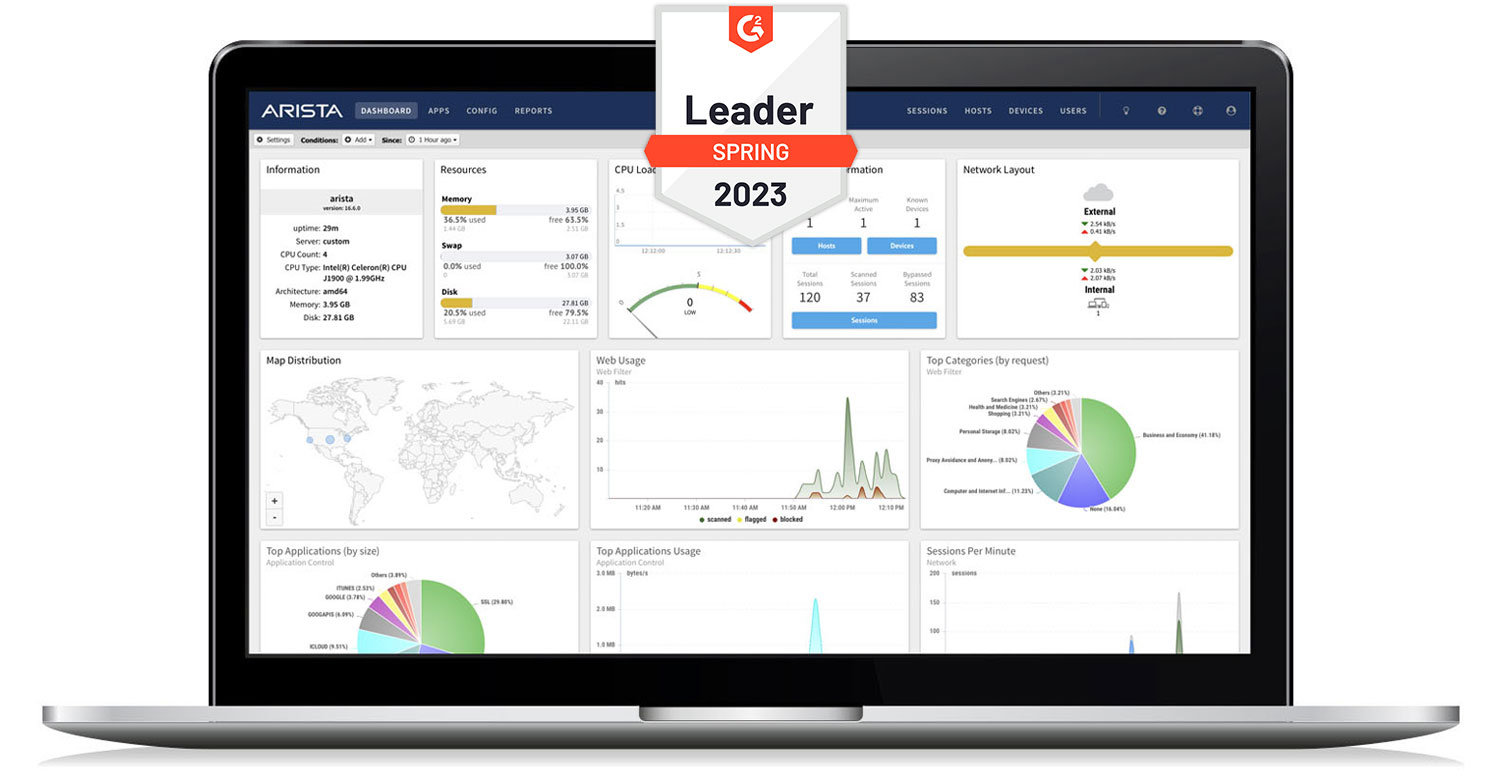
The Dashboard provides an overview of the state of your network at a glance. It is extremely useful for quickly viewing what is happening on the network and getting the current status of the NG Firewall server at a glance.
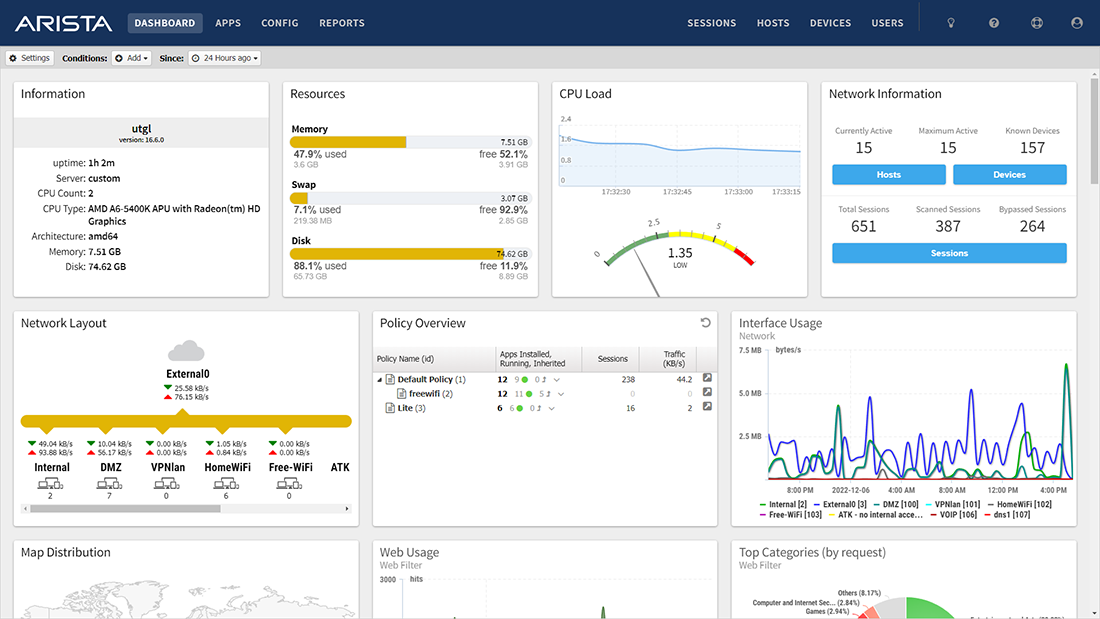
By default, the Dashboard will display several widgets showing different information. However, the Dashboard is completely customizable. Widgets can be removed and added so the administrator sees exactly the information that is important to them.
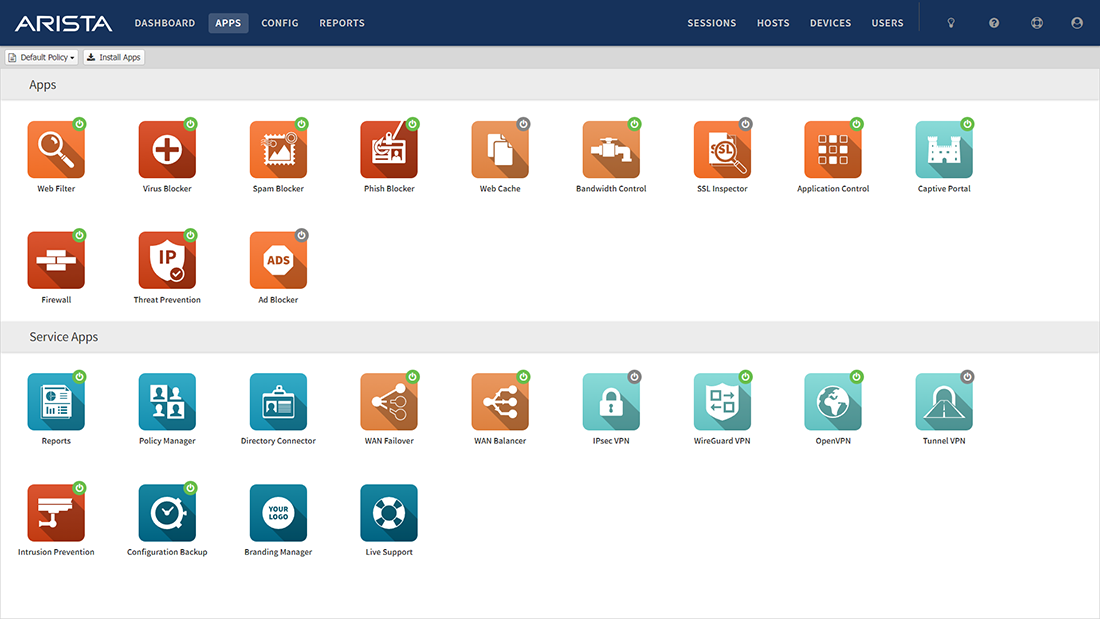
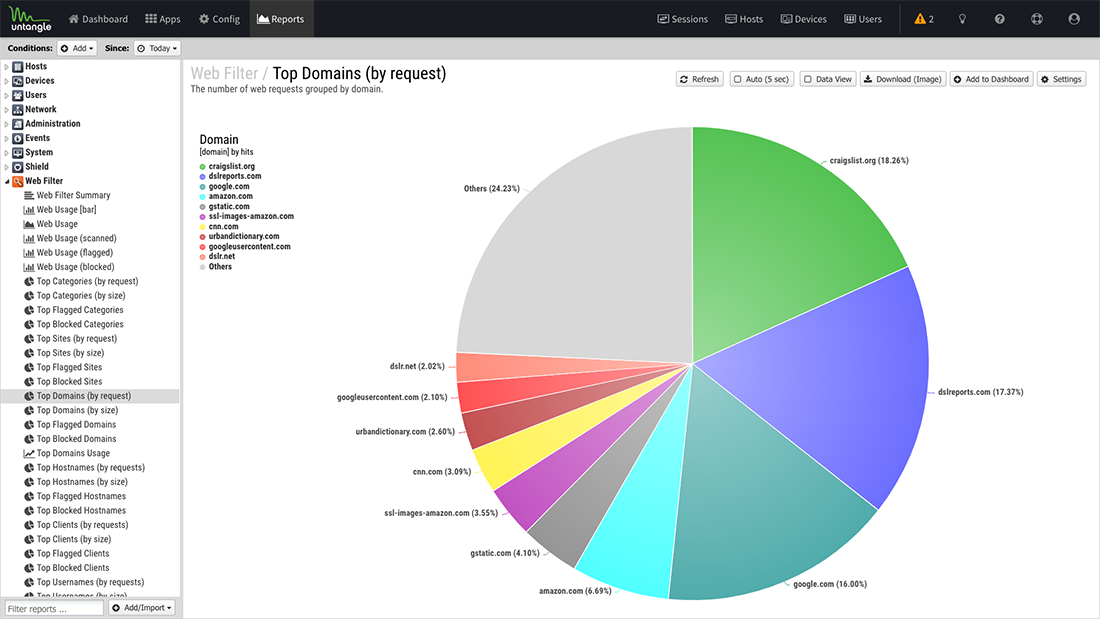
The Reports navigation makes it easy to find the information you need. View individual reports and navigate through the Reports app on a tablet or phone.
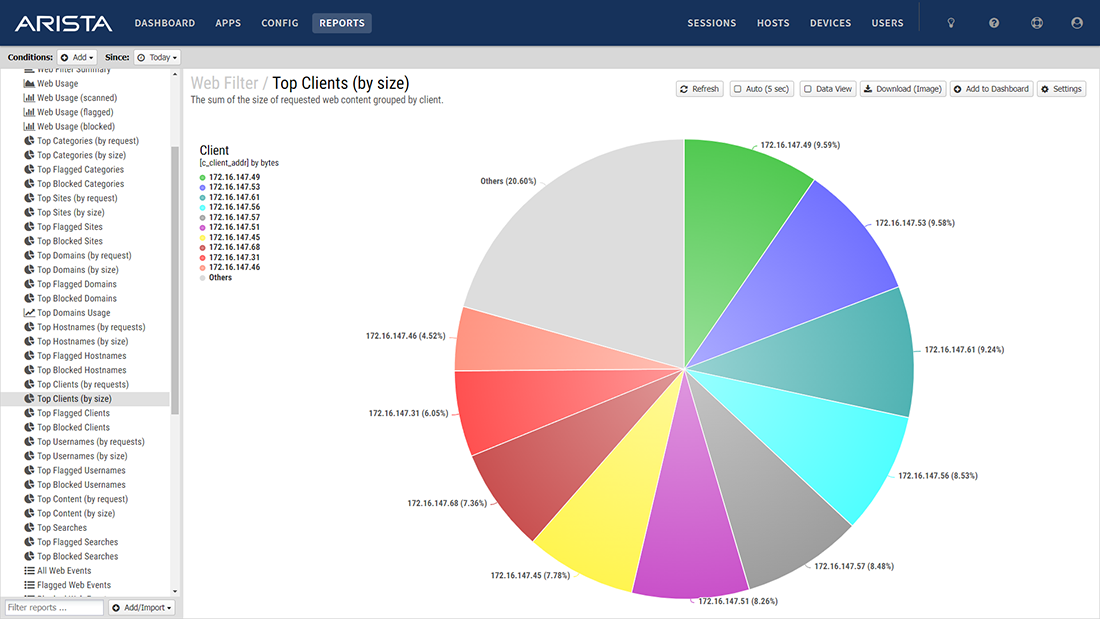
The Dashboard provides an overview of the state of your network at a glance. It is extremely useful for quickly viewing what is happening on the network and getting the current status of the NG Firewall server at a glance.
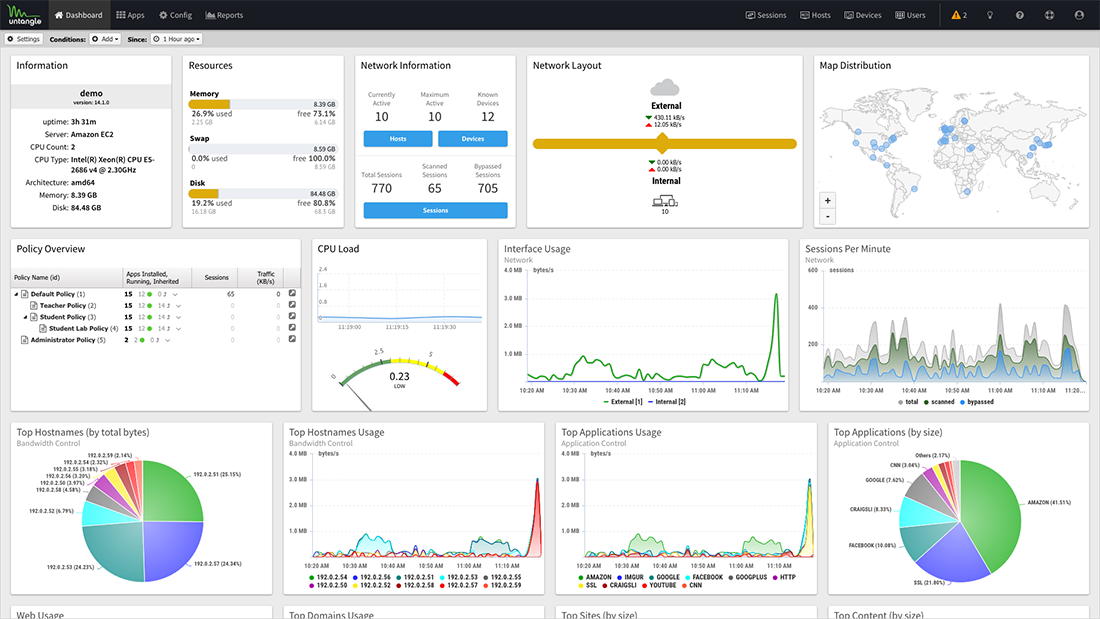
By default, the Dashboard will display several widgets showing different information. However, the Dashboard is completely customizable. Widgets can be removed and added so the administrator sees exactly the information that is important to them.
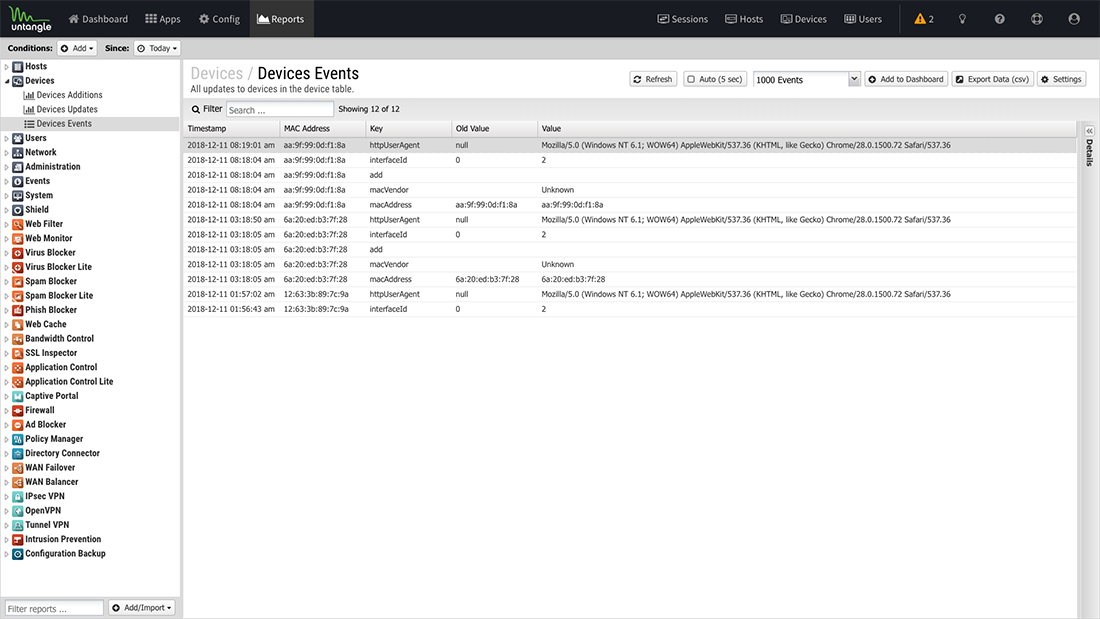
The Reports navigation makes it easy to find the information you need. View individual reports and navigate through the Reports app on a tablet or phone.


Recognized Leader in Cybersecurity