NG Firewall Free Trial
Get Started Today
Security, Visibility & Control

NG Firewall is an award-winning unified threat management solution trusted by over 40,000 customers around the world. From content filtering to advanced threat protection, VPN connectivity to application-based shaping for bandwidth optimization, NG Firewall delivers comprehensive,
enterprise-grade network security and connectivity.
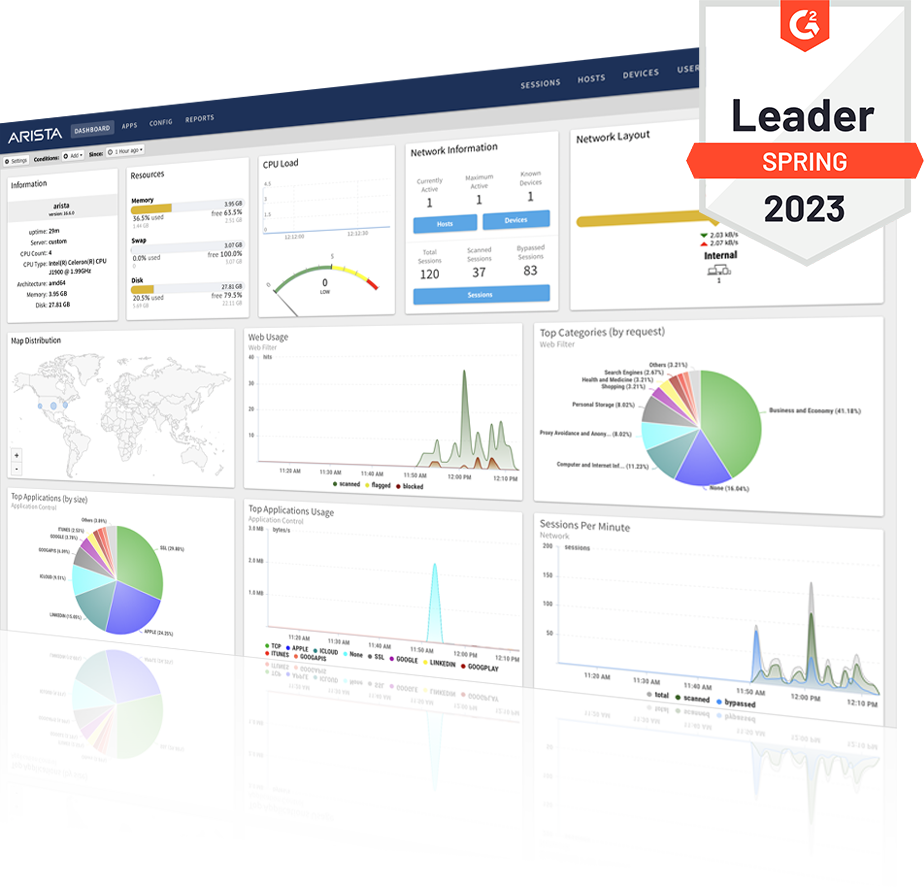
During your 30-day free trial, you will quickly gain security, visibility and control of the traffic on your network. Try it today and see for yourself how NG Firewall takes the complexity out of network security.
It’s Easy to Get Started
- Create a free account
- Choose your deployment
- Deploy and register your trial
- Start using NG Firewall
Over the next 30-days, explore advanced features like Web Filter, Application Control, Threat Prevention and WireGuard VPN, download reports, and set alerts. Contact Support if you need help at any time during your trial.
After your trial has expired, your deployment will be limited to the basic features of NG Firewall Free.
Resources
- Deployment Options
- User Guide
- User Forum
- Support Articles and Documentation
- Find an Authorized Partner
Have questions, or would like a personal demo?